System Note StoryDEVELOPMENT STORY · from Y.K

A STORY WORTH KEEPING

SystemNote Story

STORY / v2.2

from Y.K

Starting again, from one planner.

DEVELOPMENT STORYSystem Note

Introduction

Starting again, from one planner.

Hello. I’m Y.K, the developer, and I live in Japan. As for my age, I’ll let you guess as you read on.

Why did I come to create System Note? In this notebook, I tell the story of the digital planner I first built on my own decades ago, and how I came to make it again with AI.
01
DEVELOPMENT STORYSystem Note

01 / The Beginning

A new world on a CRT screen.

Several decades ago, at an accounting software company called Milky Way, I was given sole responsibility for planning and development related to graphical user interfaces.

A DOS/V PC connected to a high-resolution CRT monitor, running Windows. It was a time when that kind of setup was finally coming within reach.

What follows is the story as I remember it from those days.

03
DEVELOPMENT STORYSystem Note

02 / The First Notebook

Built from scratch, on my own.

At PCA, where I had worked before, I helped develop Japan’s first accounting software for IBM OS/2. That experience led me to take on research and development of new GUI systems at Milky Way.

The first system I planned on my own and built from scratch there was “Milky Way System Note.”

04
DEVELOPMENT STORYSystem Note

03 / It Began with a Planner

That same convenience, on a PC.

Even after Japan’s economic bubble ended, there was still a sense of momentum. I had just joined the company and worked with a FILOFAX ring planner, popular at the time, filled with different kinds of inserts.

Schedules, contacts, and passing ideas, all neatly and usefully organized in one notebook. “This is so convenient. I’d like to make it work on a PC.” That thought was the starting point.

05
DEVELOPMENT STORYSystem Note

04 / Memories of Development

Two GUIs, two approaches.

The development SDKs for IBM OS/2 and Windows were built very differently. My impression was that IBM had a solid structure and clear rules.

Windows, on the other hand, had code I thought was brilliant, as well as parts where bugs gave me trouble. But it was fast.

Although those differences sometimes left me puzzled, I kept bringing the planner to life on screen.

06
DEVELOPMENT STORYSystem Note

05 / What Remained

The code is gone. Some documents remain.

Unfortunately, the original program no longer survives. I still have only some of the documents I used to propose its development to the company president.

As I remember it, the software ran on something around MS-DOS 4.0 and Windows 3.0. I developed it using a database I trusted at the time. The exact product names and dates are now a little hazy.

Development took about a year, if I remember correctly. Eventually, I was asked to show the nearly finished planner to the board.

07
DEVELOPMENT STORYSystem Note

06 / The Planner That Never Went on Sale

“You made this all by yourself?”

That was one of the reactions during the presentation to the board. The response was certainly not a bad one.

Even so, partly because it was a product for individual users, it never went on sale.

After that, I spent several years leading accounting software development and training other developers. When my father became unwell, I returned to my family home. I still regret that I could not stay with the development through to the end.

08
DEVELOPMENT STORYSystem Note

07 / 2026

“Oh. I can’t beat AI anymore.”

How much programming can AI really do? In 2026, while trying it out to answer that question, that was how I felt.

Of course, handing everything over does not mean it will all go well. I feel that AI still struggles to organize the structure and keep the whole system consistent.

Even so, I was amazed by how it understood different technologies, combined them, and put them to use.

09
DEVELOPMENT STORYSystem Note

08 / System Note, Once Again

Then let’s ask AI to build that planner.

“In a few years, my work as a programmer might be gone.” Watching AI work, that was what I thought.

That was when I remembered System Note, the first system I had built entirely on my own.

Then why not ask AI to build that planner this time? I am a programmer, but I would let AI write the code. The new System Note began with that experiment.

10
DEVELOPMENT STORYSystem Note

09 / A Decision

$100 a month. How far could I go?

At first, I tried several AI tools. Among those I tried at the time, Claude Code stood out to me for writing particularly accurate code. But it cost money—more than I could justify for my experiment.

So I set a budget of $100 a month. I would develop within that limit, without paying extra. It is something I do for fun, a challenge, and a way to think about the future of my work.

11
DEVELOPMENT STORYSystem Note

10 / Little by Little

Move forward with the time available.

Sometimes I reach the usage limit partway through the week or month. Even then, I have kept moving forward little by little, within what is available, without paying extra.

How far could I go in building a system? How could I explain my ideas to AI so it could turn them into something real? The development became a way to explore those questions in practice.

AI writes the code. I decide what to make.

12
DEVELOPMENT STORYSystem Note

11 / It Took More Than One Try

Look, try it, then refine it again.

I started with System Note. Even getting the screens to look reasonably polished took a great deal of effort.

Small layout details, and interactions I wanted to keep consistent across every feature, were hard to get right. I broke the instructions into smaller pieces and asked for revisions again and again.

I looked at what AI had made and tried it out myself. By repeating that process, it slowly began to take shape.

13
DEVELOPMENT STORYSystem Note

12 / Three Expressions

One starting point, three notebooks.

Partway through, I began to want versions with different designs. From that came the futuristic PrismNote and Watoji, with its Japanese feel.

Here too, I kept checking the screens and how things worked, making changes over and over. It finally reached a point where I could show it to you, so I made this website.

One developer and AI, creating a digital planner once again. That journey has led to these three notebooks.

14
DEVELOPMENT STORYSystem Note

System Note

A paper planner, brought to the screen.

I started with System Note. Its roots were in the ring planner I had used, with many different types of inserts bound together.

I wanted that convenience again: schedules, contacts, and ideas, all in one notebook. To make the screen feel like a planner, I went over the small details of layout and interaction again and again.

15
DEVELOPMENT STORYSystem Note

13 / What I Want to Leave Behind

Choose what matters instead of collecting more.

Information keeps growing in the cloud and on social media. It is convenient, but sometimes I feel as though I am swimming through information rather than managing it myself.

The information I need, the people who matter to me, the things I love, and the memories I want to keep. I want to choose from them, rather than keep everything, and bring those choices together in one notebook.

You don’t need to move every photo and every record here. “This is something I want to keep close.” This notebook is for making that choice.

16
DEVELOPMENT STORYSystem Note

14 / What I Want to Keep

Leave a record of who you are for your family.

The information you keep in this planner reflects who you are today. It may also be something you want to leave for your family.

I think everyone will use it in their own way. For me, as its developer, I want to fill it with things I can leave for my family.

What mattered to me, who I spent time with, and how I lived each day. I hope this planner can convey those things through the records I choose to keep.

17
Everyday Features · PC + PhoneSystem Note

Schedule

01 / 10

See what’s ahead, starting today.

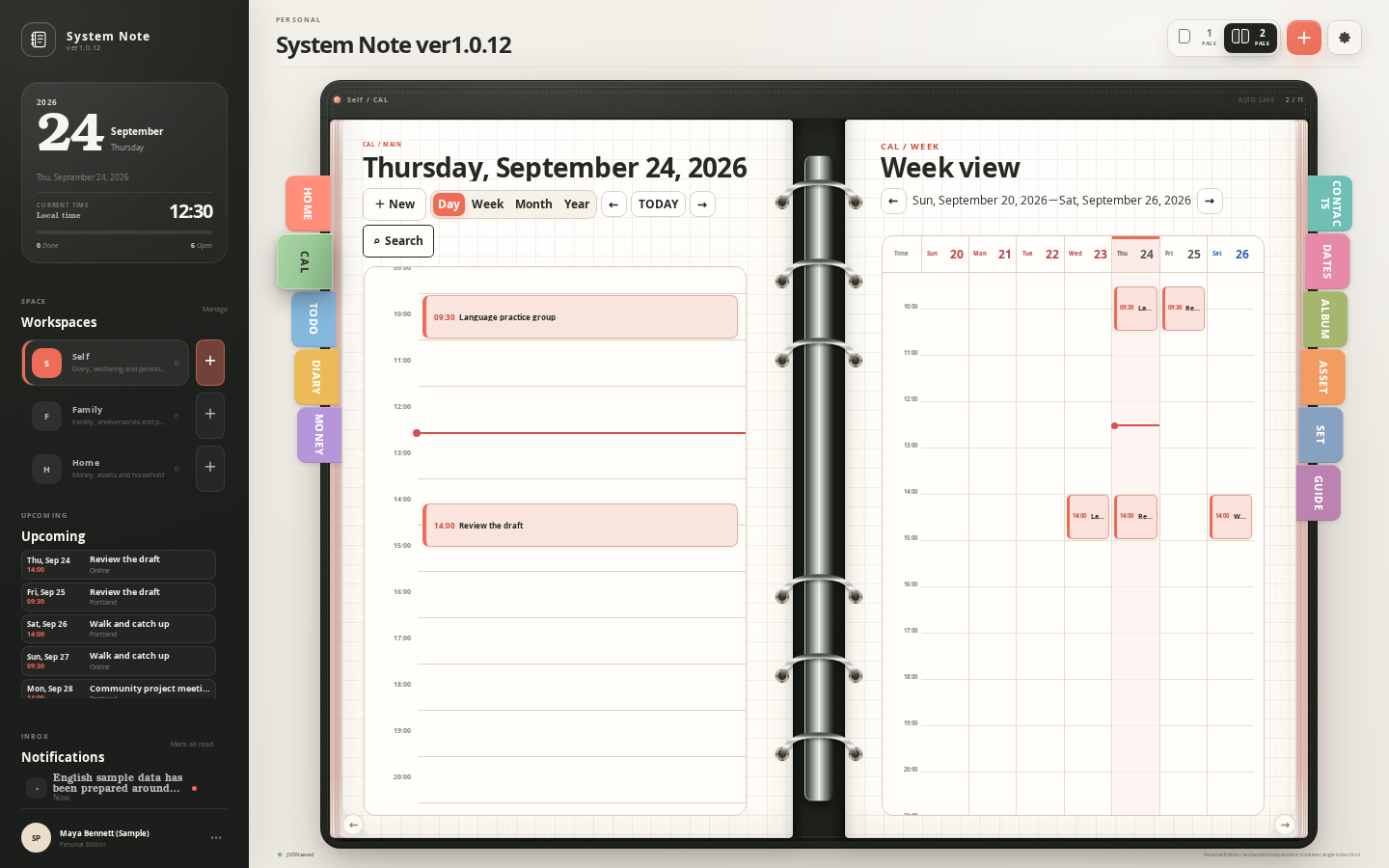
PCSystem Note Schedule screen on PC
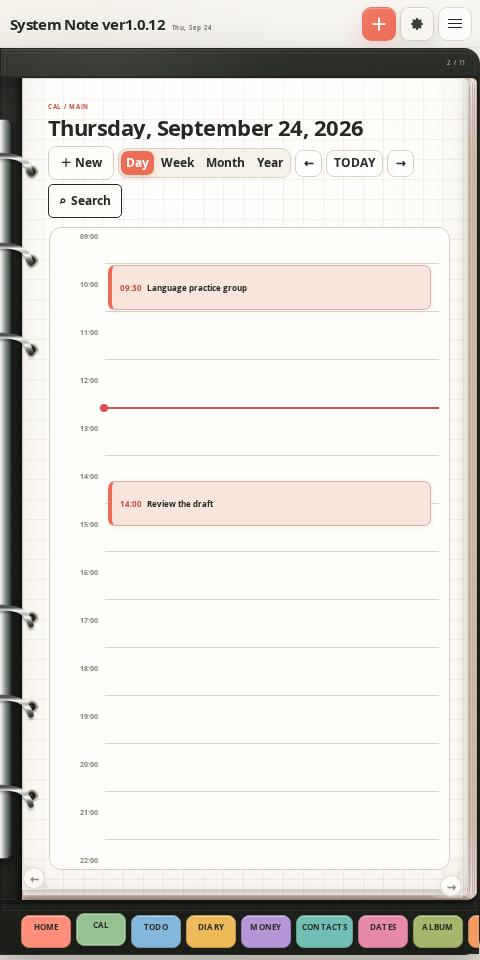
SMARTPHONEActual System Note Schedule screen at smartphone width

Switch between day, week, month, and year. See what’s next, even when you’re out.

Tap an image to enlarge
18
Everyday Features · PC + PhoneSystem Note

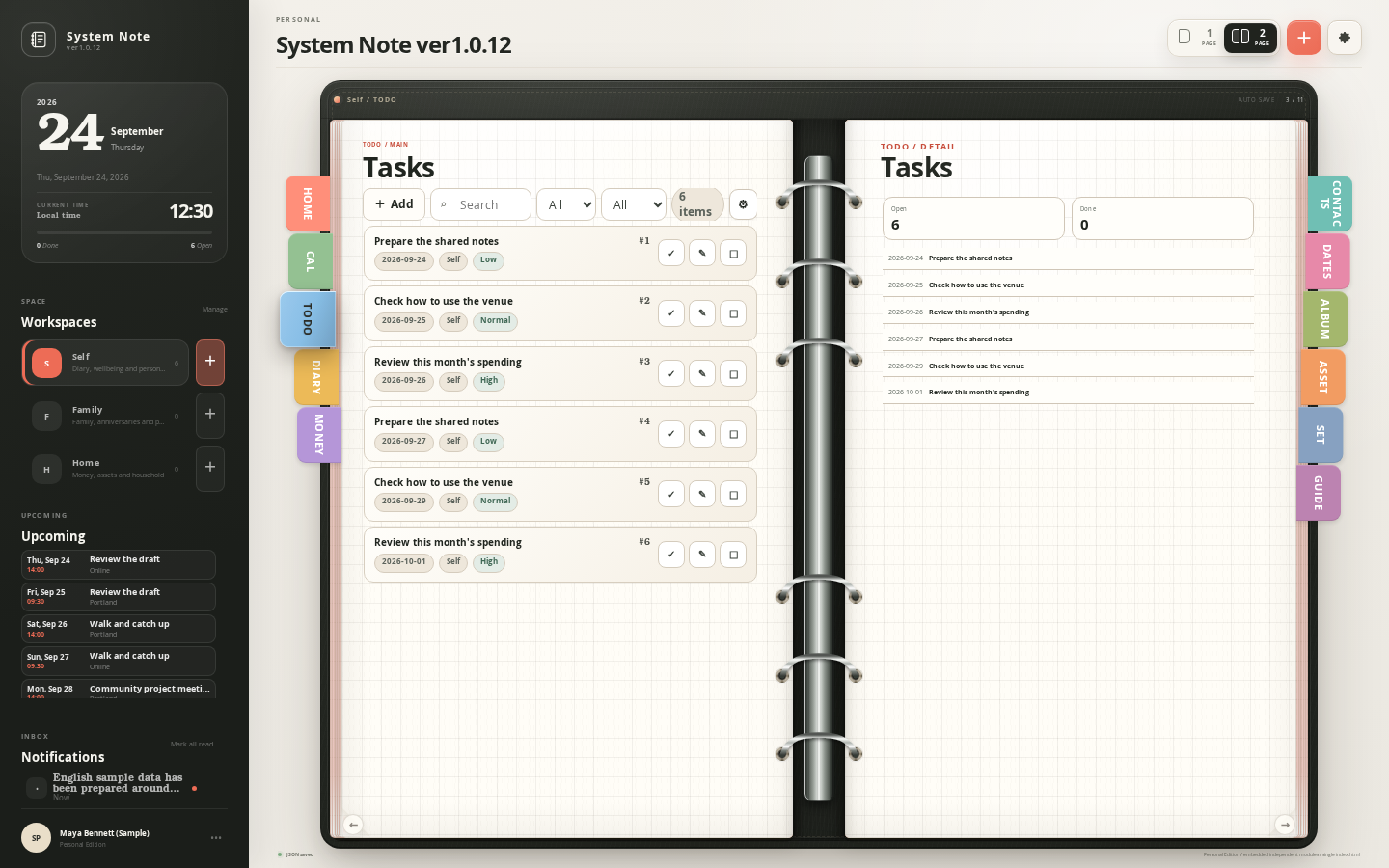
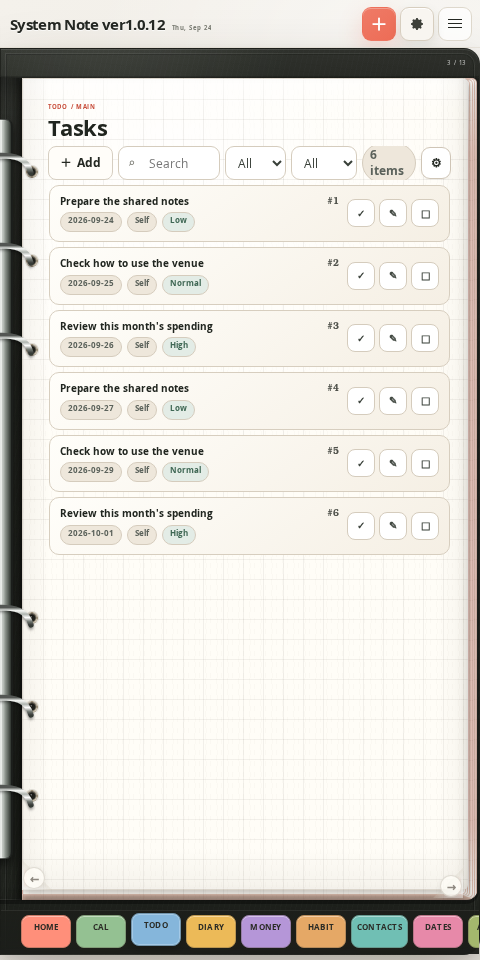
Tasks

02 / 10

Capture a thought before it slips away.

PCSystem Note Tasks screen on PC
SMARTPHONEActual System Note Tasks screen at smartphone width

Keep your tasks together and check them off as you finish. Small achievements add up.

Tap an image to enlarge
26
Everyday Features · PC + PhoneSystem Note

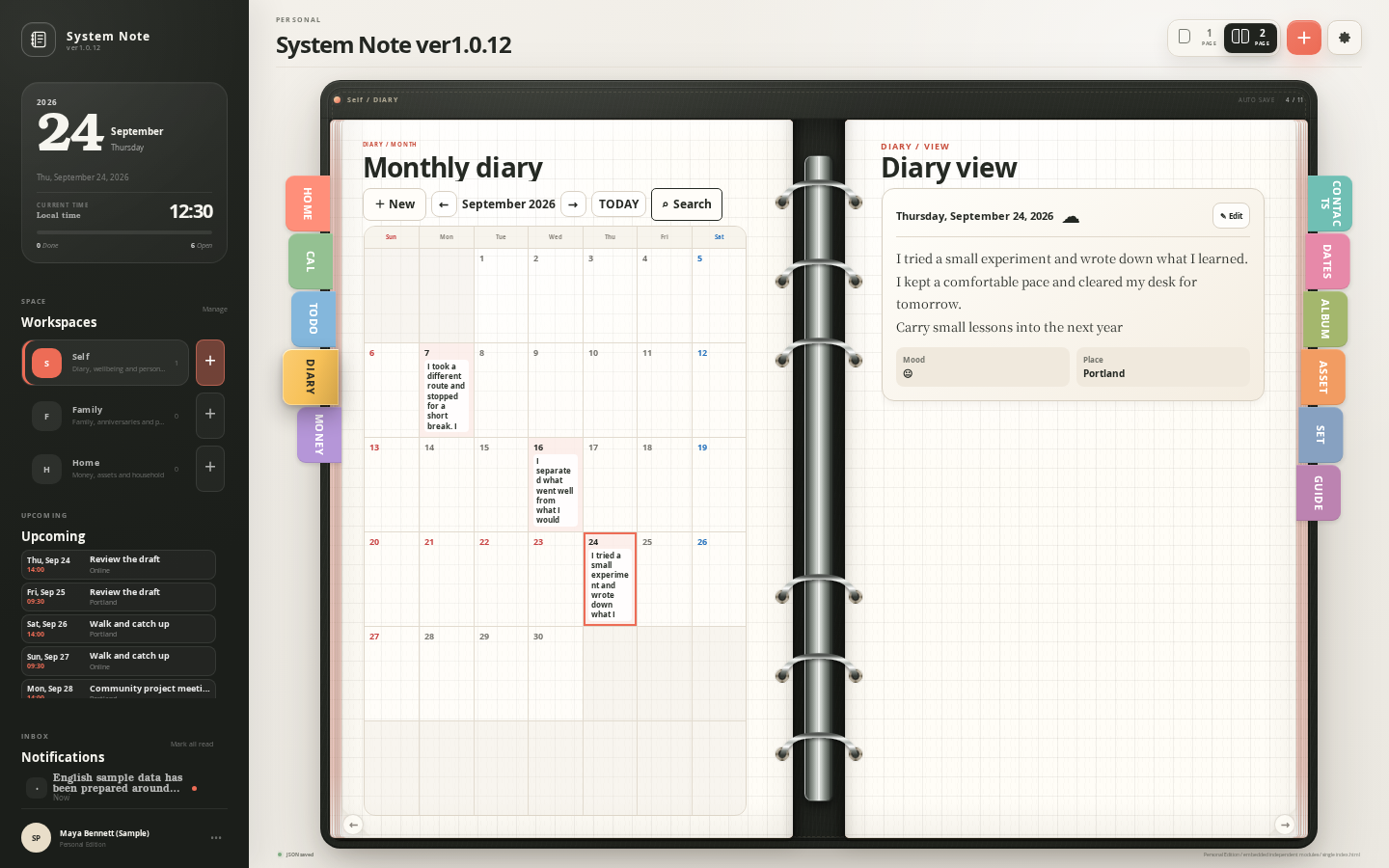
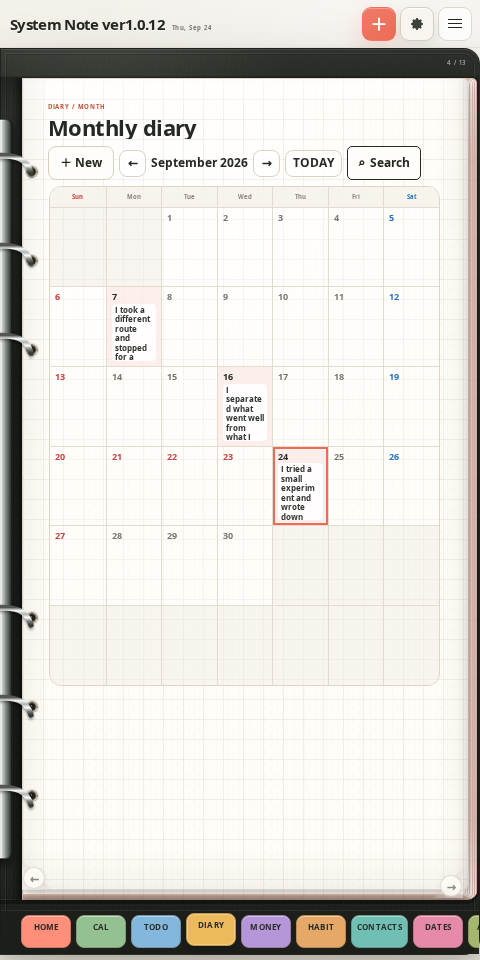
Diary

03 / 10

Keep a little of an ordinary day.

PCSystem Note Diary screen on PC
SMARTPHONEActual System Note Diary screen at smartphone width

Open a day’s entry from the calendar. Start recording your days with just a few words.

Tap an image to enlarge
19
Everyday Features · PC + PhoneSystem Note

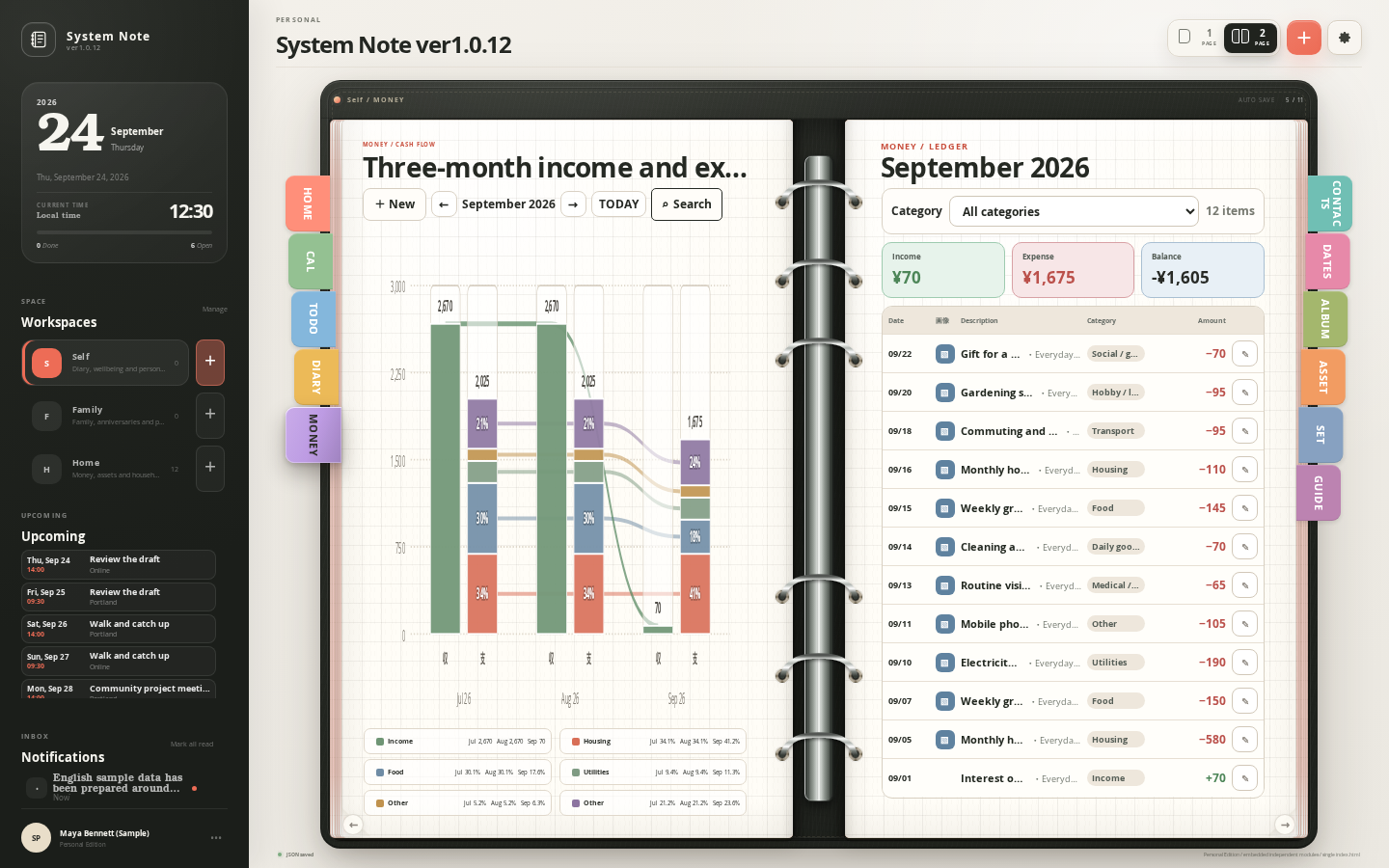
Budget

04 / 10

Your money, at a glance.

PCSystem Note Budget screen on PC
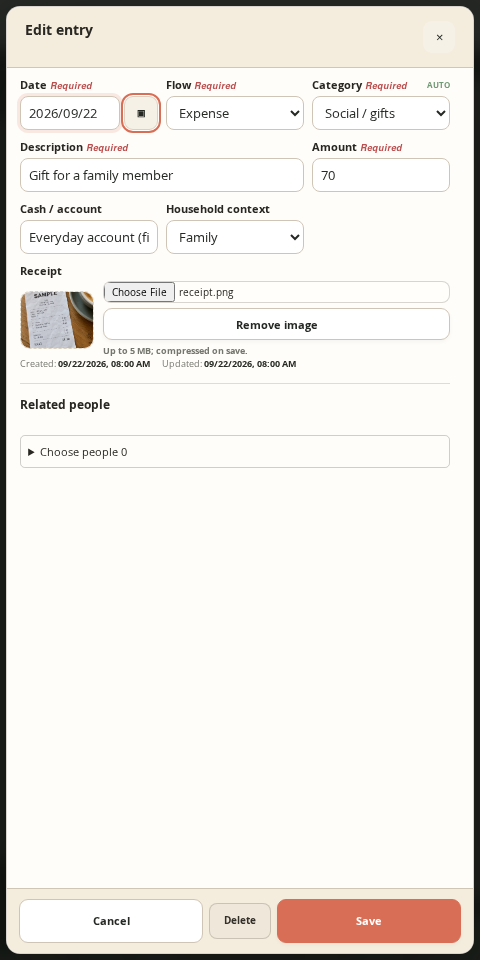
SMARTPHONEActual System Note Budget screen at smartphone width
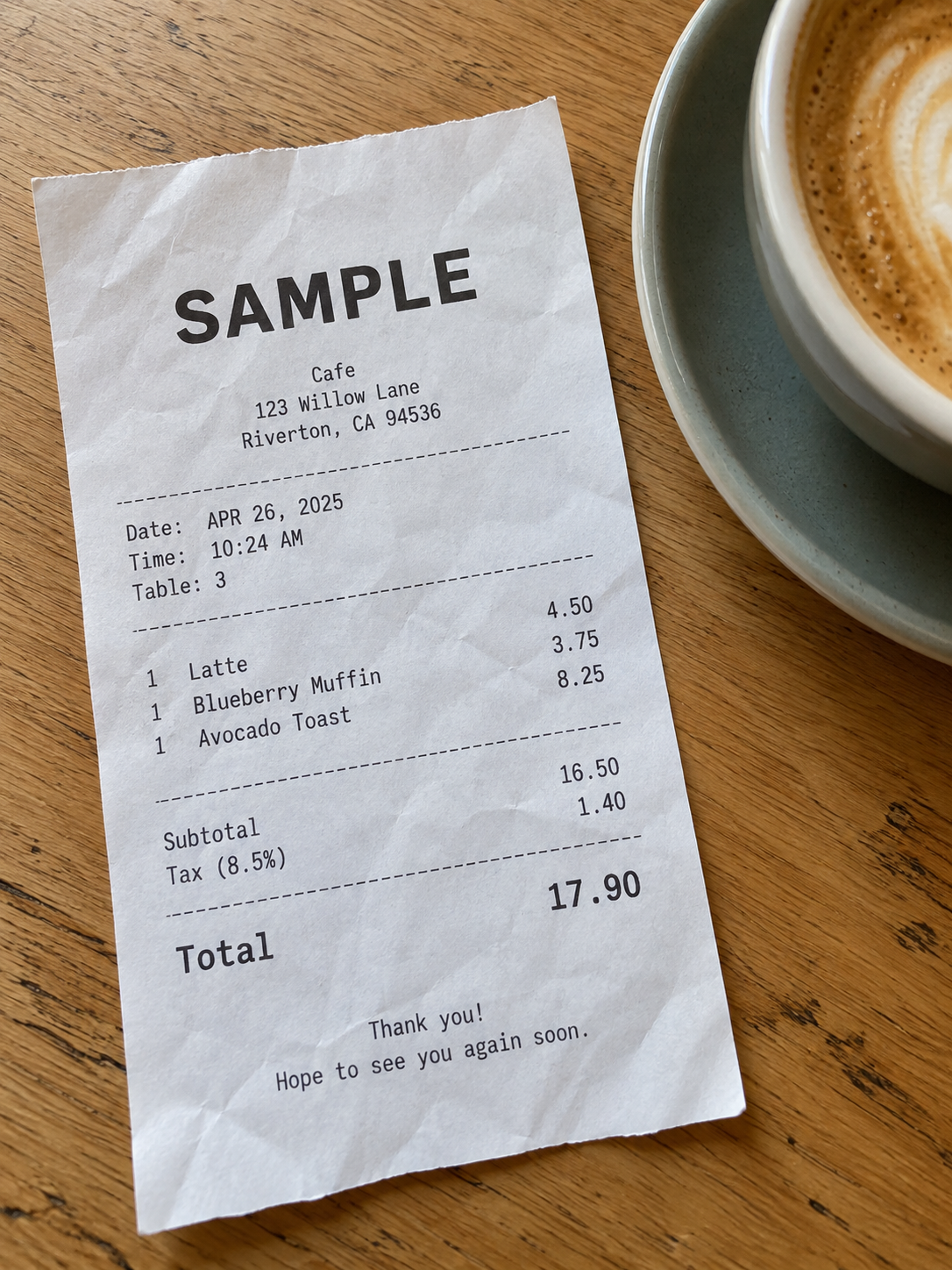
Sample receipt photograph

Keep income, expenses, and balances clear. Record purchases while the day is still fresh.

Tap an image to enlarge
27
Everyday Features · PC + PhoneSystem Note

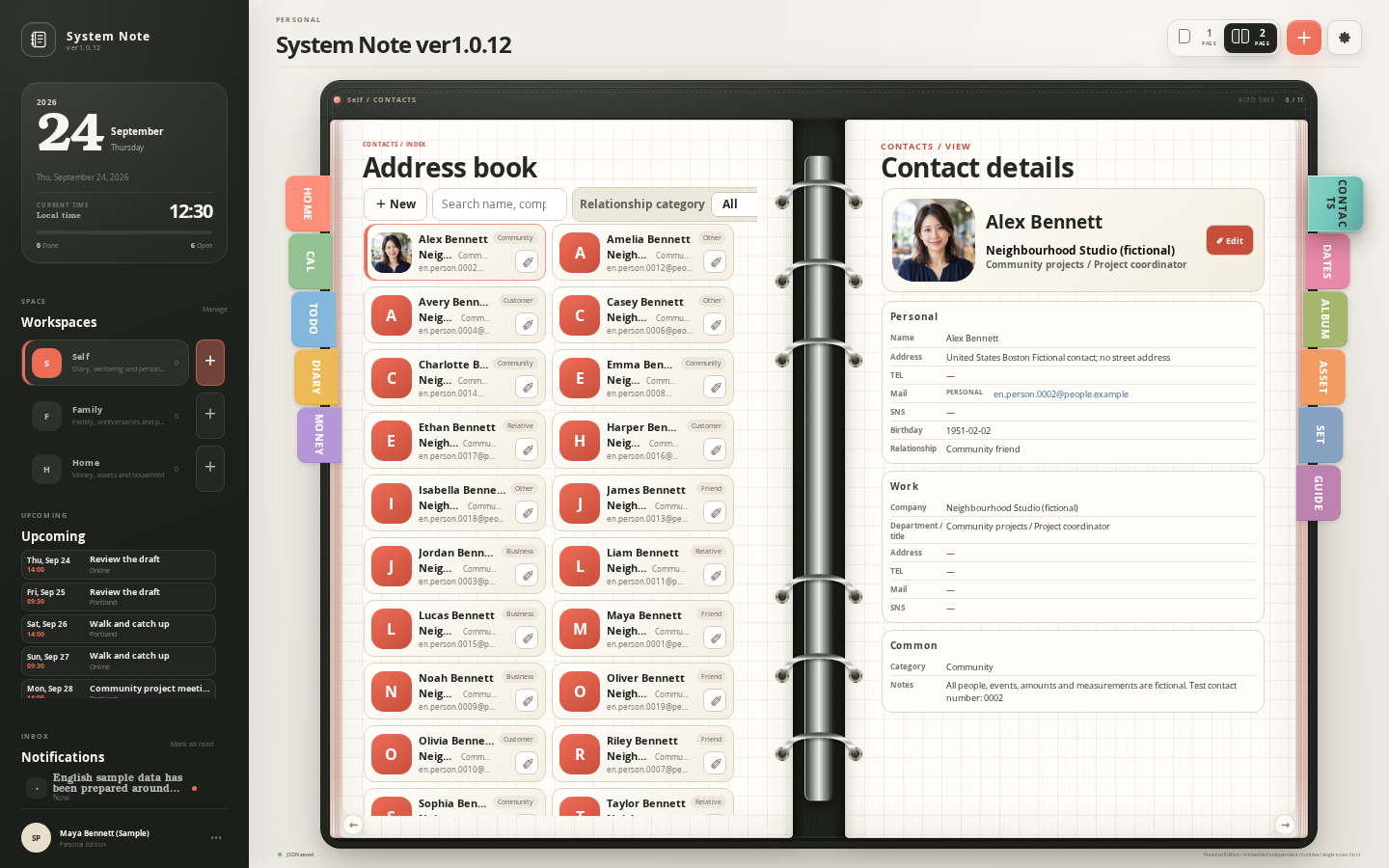
Contacts

05 / 10

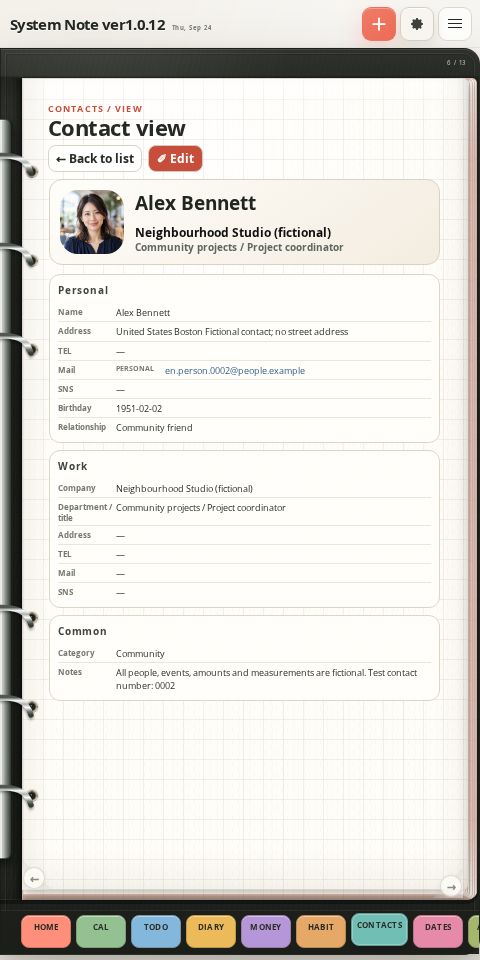
A notebook for the people who matter.

PCSystem Note Contacts screen on PC
SMARTPHONEActual System Note Contacts screen at smartphone width

Organize personal and work contacts. Photos and notes help you remember each person.

Tap an image to enlarge
20
Everyday Features · PC + PhoneSystem Note

Anniversaries

06 / 10

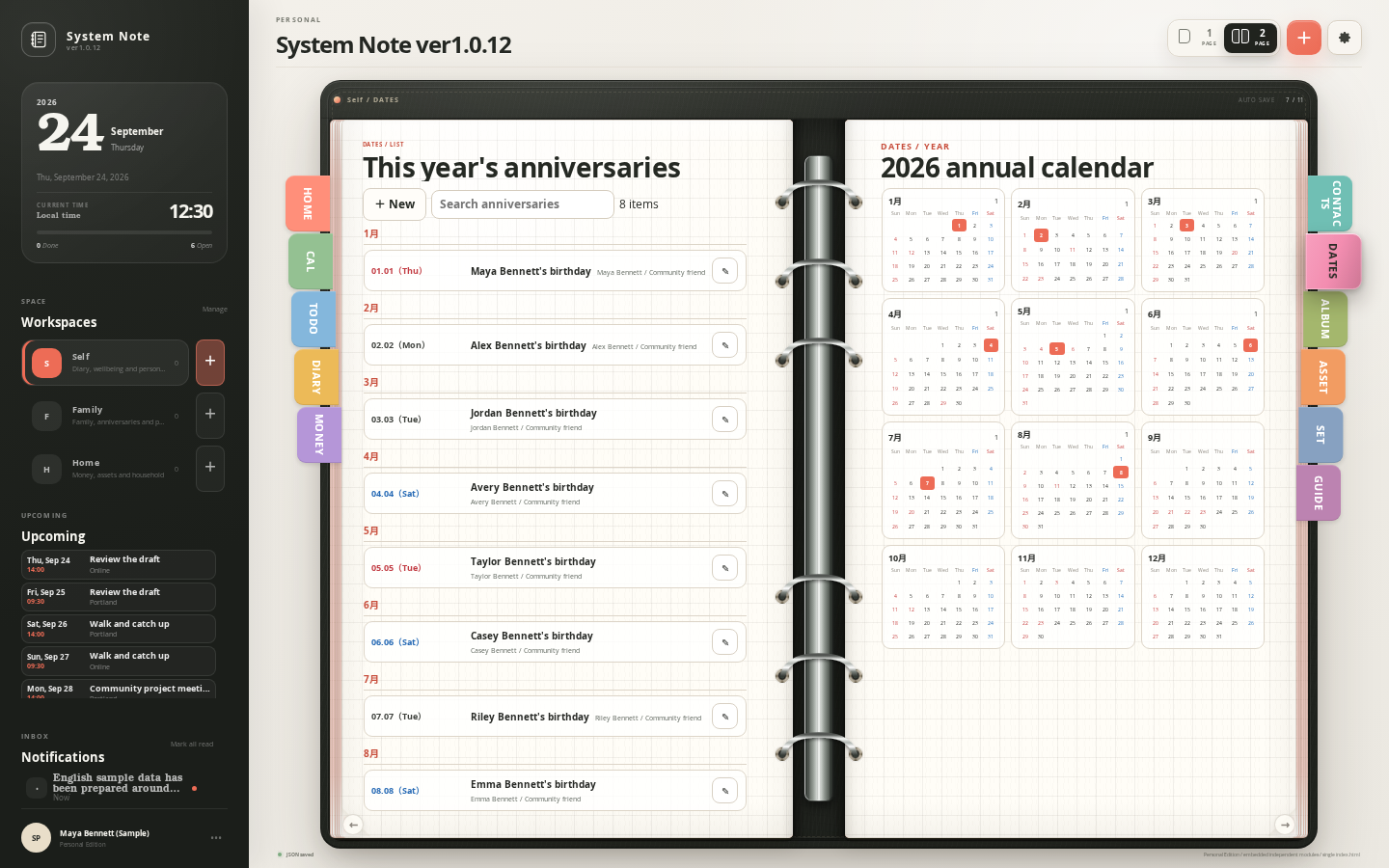
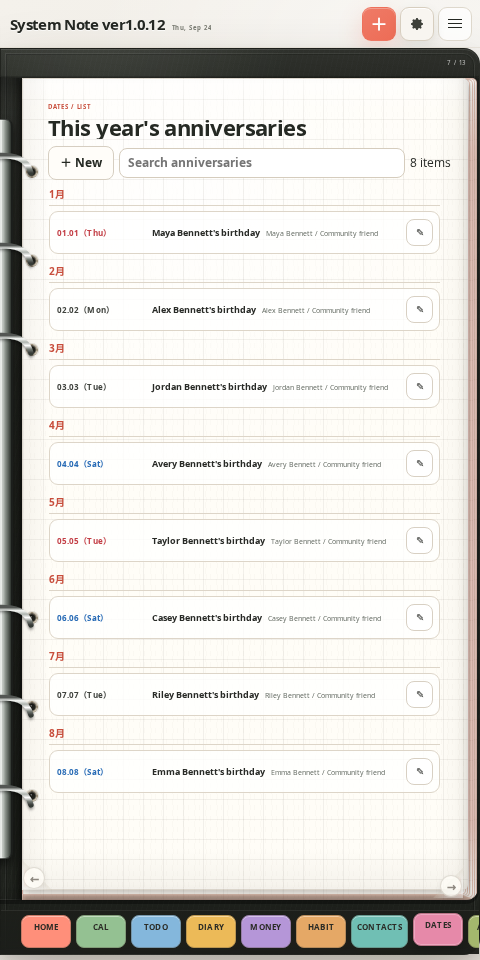
Keep the dates that matter close.

PCSystem Note Anniversaries screen on PC
SMARTPHONEActual System Note Anniversaries screen at smartphone width

Keep birthdays and family milestones together. Find the dates that matter in your planner.

Tap an image to enlarge
28
Everyday Features · PC + PhoneSystem Note

Album

07 / 10

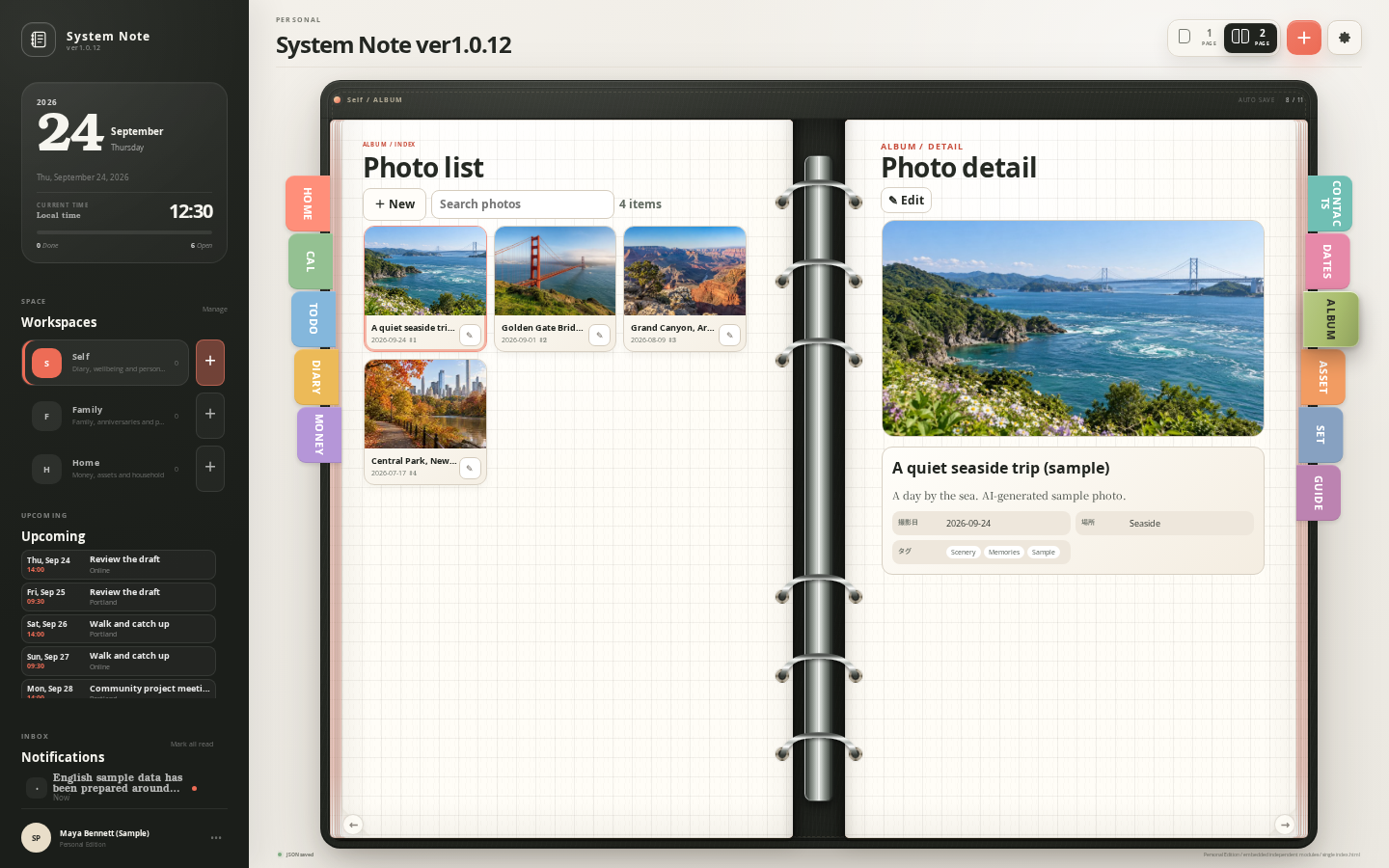
Choose the memories you want to keep.

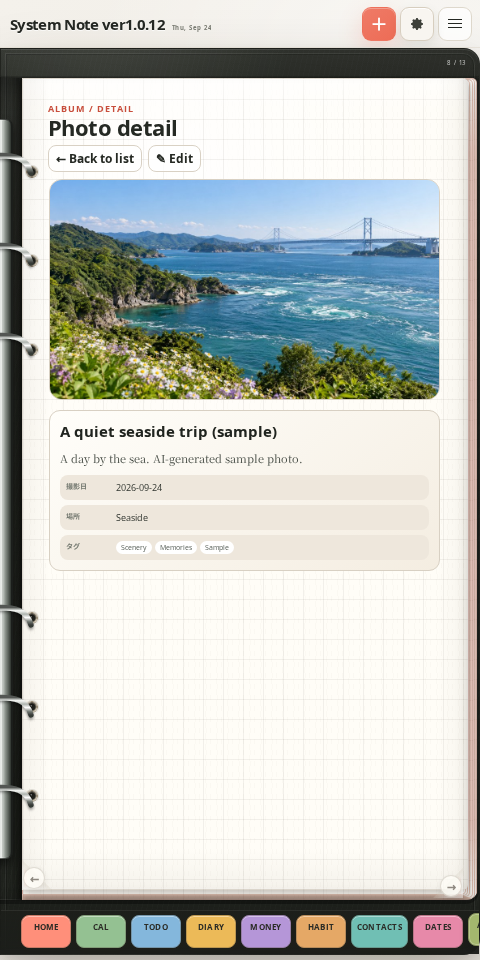
PCSystem Note Album screen on PC
SMARTPHONEActual System Note Album screen at smartphone width

Revisit your favorite photos. Enjoy each one, even on a small screen.

Tap an image to enlarge
21
Everyday Features · PC + PhoneSystem Note

Assets

08 / 10

See your life today in numbers.

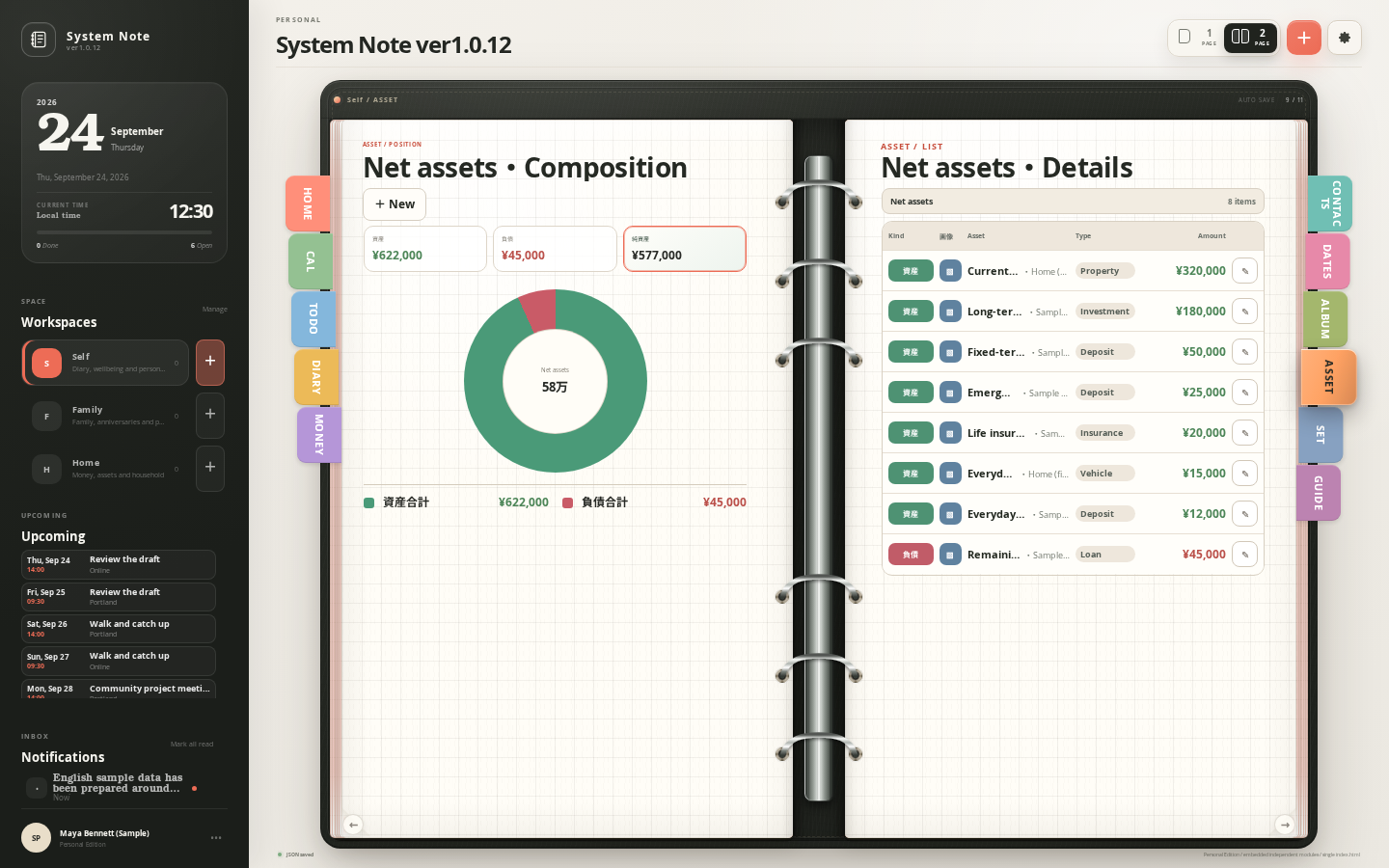
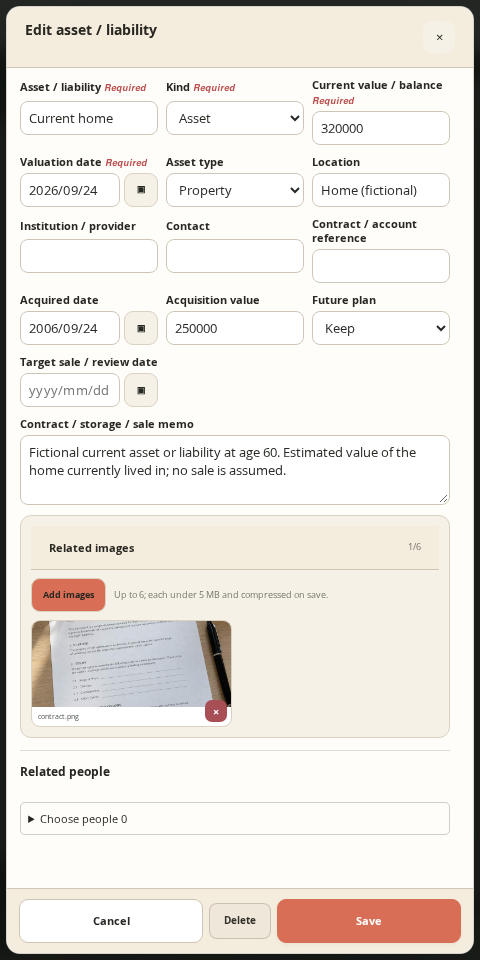
PCSystem Note Assets screen on PC
SMARTPHONEActual System Note Assets screen at smartphone width
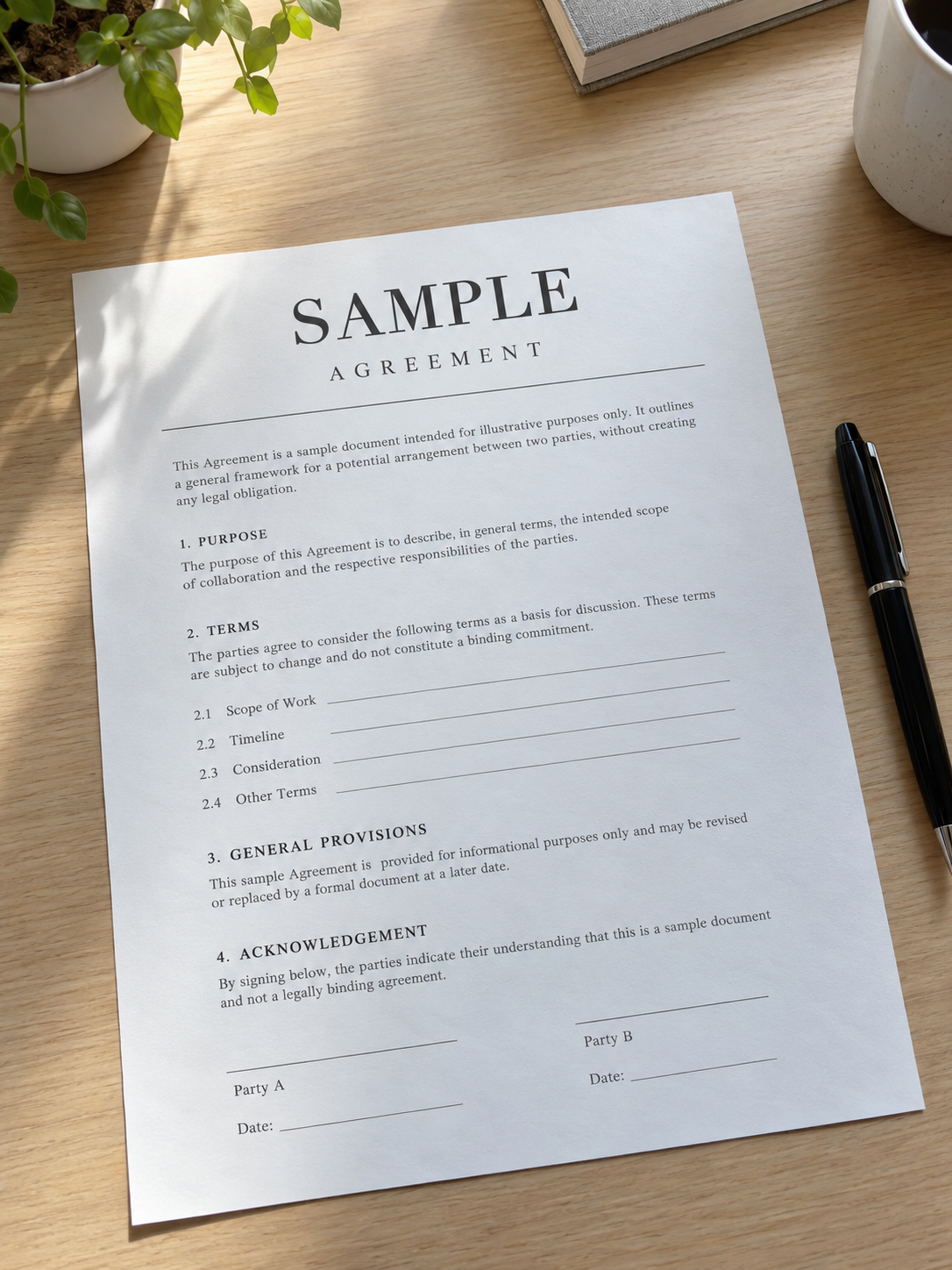
Sample contract photograph

Switch between assets, liabilities, and net worth. Get a sense of the overall balance.

Tap an image to enlarge
29
Everyday Features · PC + PhoneSystem Note

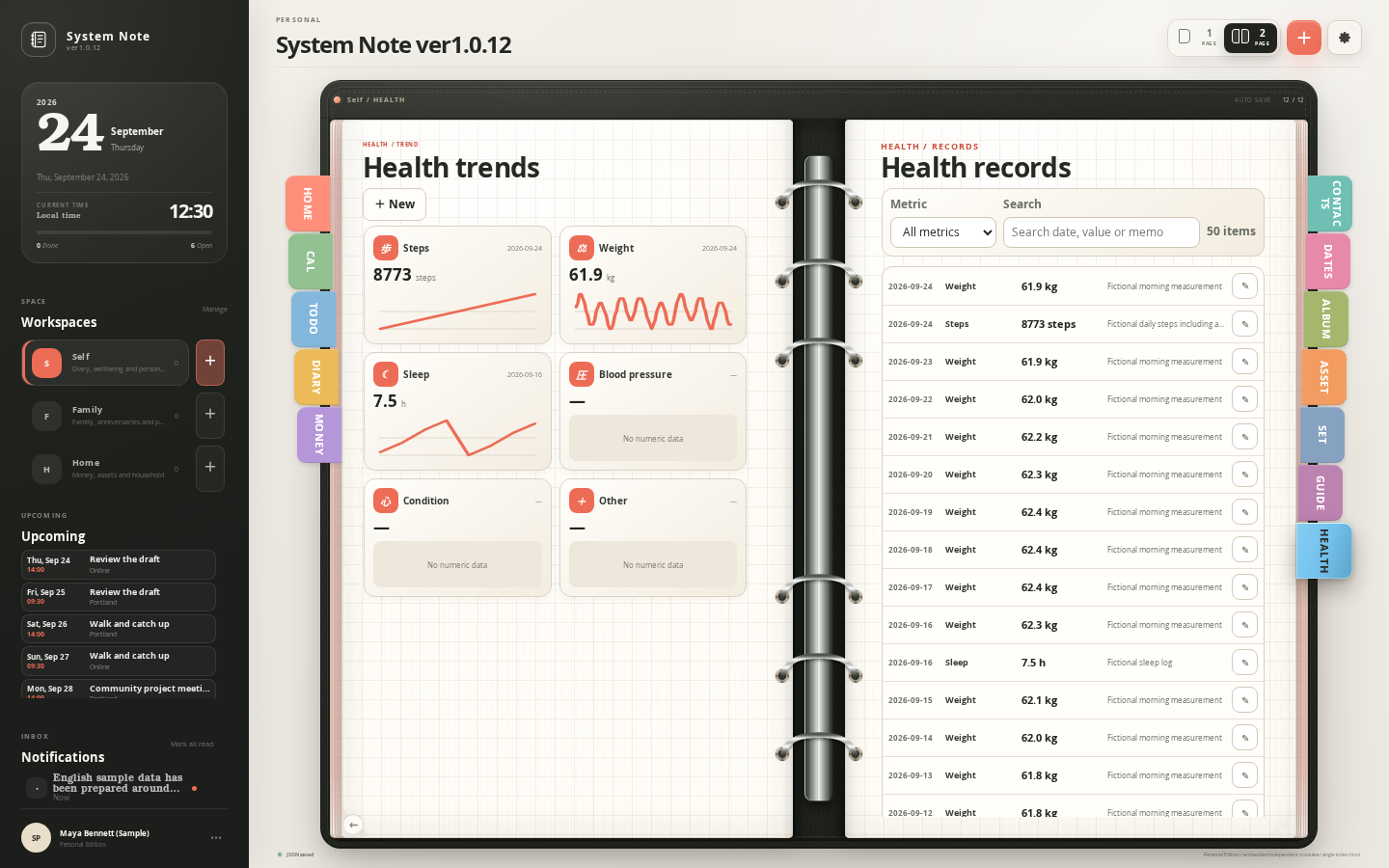
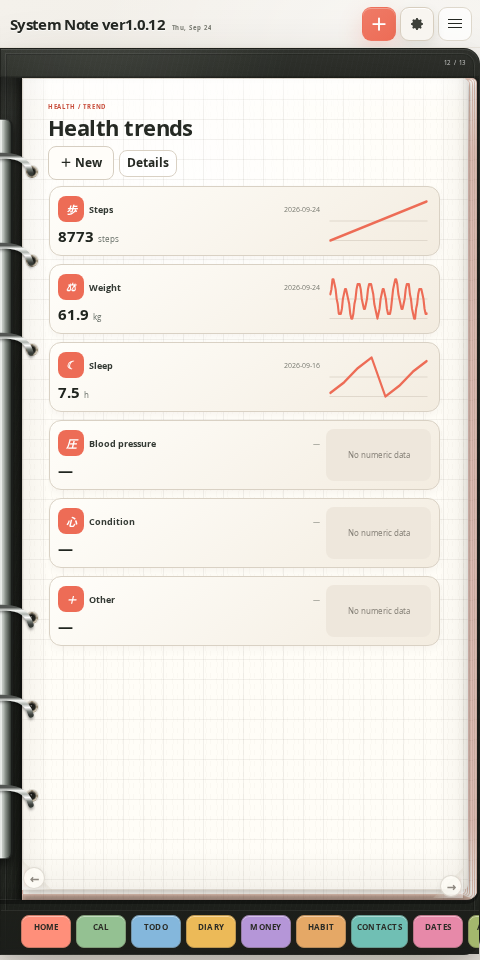
Health

09 / 10

Notice changes in your health.

PCSystem Note Health screen on PC
SMARTPHONEActual System Note Health screen at smartphone width

Record daily measurements and follow their trends. Make time to reflect on how you feel.

Tap an image to enlarge
22
Everyday Features · PC + PhoneSystem Note

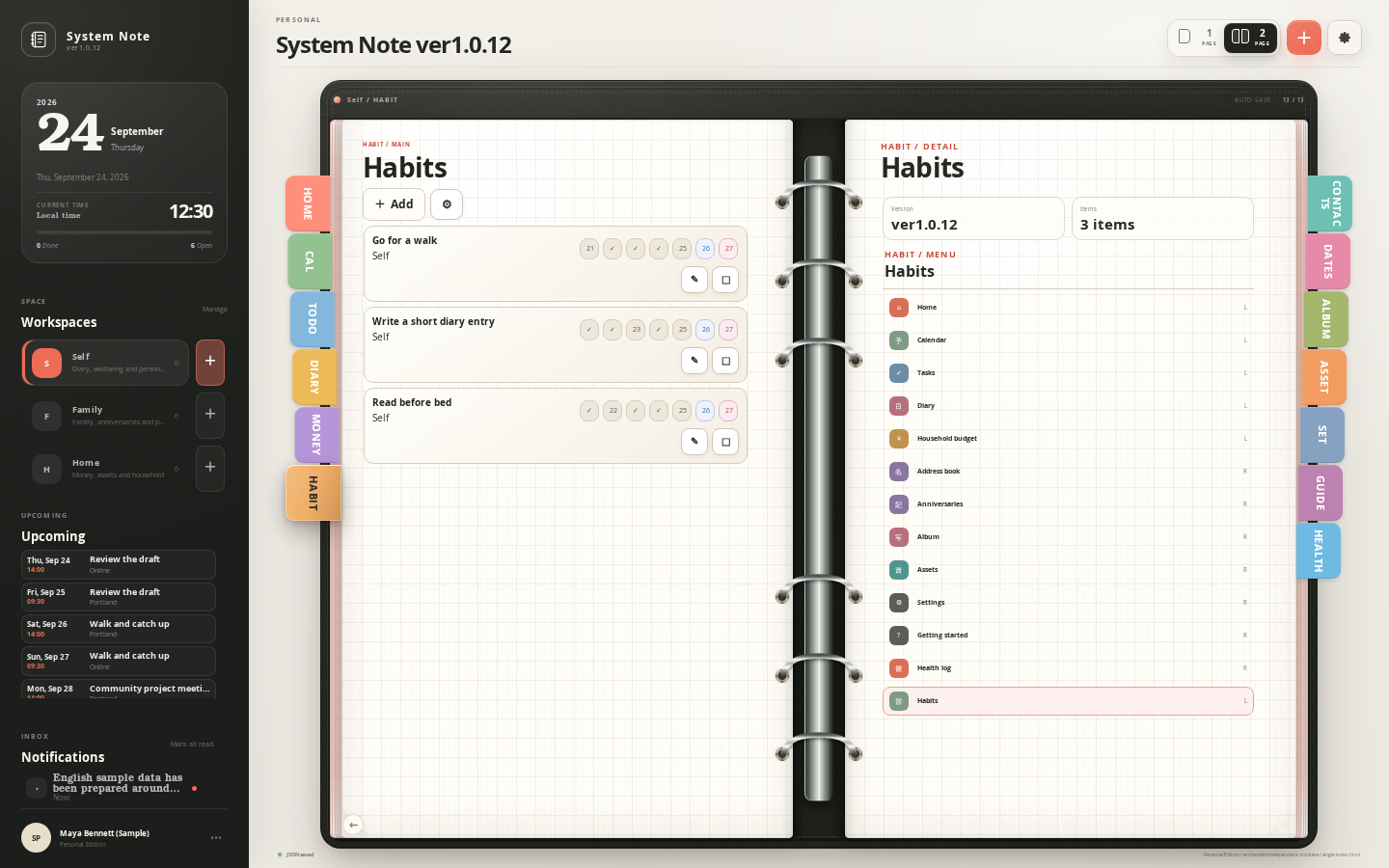
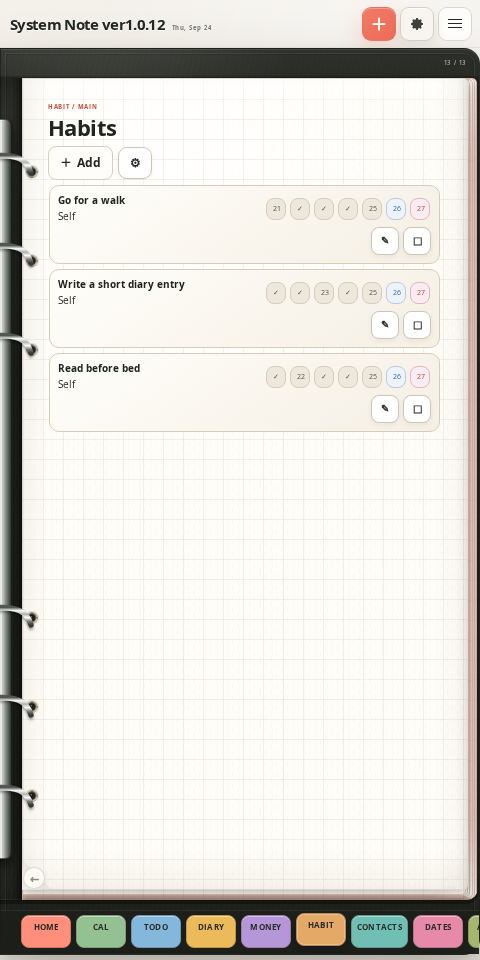
Habits

10 / 10

See the days you kept going.

PCSystem Note Habits screen on PC
SMARTPHONEActual System Note Habits screen at smartphone width

Check off small daily habits. Seeing your progress helps you keep going tomorrow.

Tap an image to enlarge
30
AFTERWORDSystem Note

Afterword / Y.K

I believe what remains in the end is love.

While making this planner, I have thought about what I want to leave behind. There are useful features and so much information. Even so, I believe that what remains in the end is love.

Who did I spend time with? Who helped me? Who do I want to thank? I want to record those things, too, in the notebook I leave for my family.

Here, I have included words for love from around the world, along with a reflection on love that I asked AI to write. Thank you for reading to the very last page.

from Y.K
23
AFTERWORDSystem Note

An AI Reflection on Love / An AI Contribution

To keep treating someone with care.

I think love is expressed less by making someone be what we want, and more by protecting the space for them to be themselves. Listening without rushing them. Asking what help they need when they are struggling. Respecting their dignity, even when we differ.

That care can live on in our records, too. Writing someone’s name thoughtfully. Remembering what they taught us. Putting “thank you” into words while we still can. Someone who opens the notebook later may find evidence of a person who cared about them. I believe even a single short line written for that reason can carry love.

This reflection was written by AI in response to a question from Y.K.

24
AFTERWORDSystem Note

LOVE AROUND THE WORLD

愛
LoveEnglishAmourFrançaisAmorEspañolAmoreItalianoLiebeDeutsch사랑한국어爱中文حبالعربيةप्रेमहिन्दीЛюбовьРусскийAşkTürkçeUpendoKiswahili

I believe what remains in the end is love.

25